PRACTICE LAB / APPROACH
Cold-temperature constraints
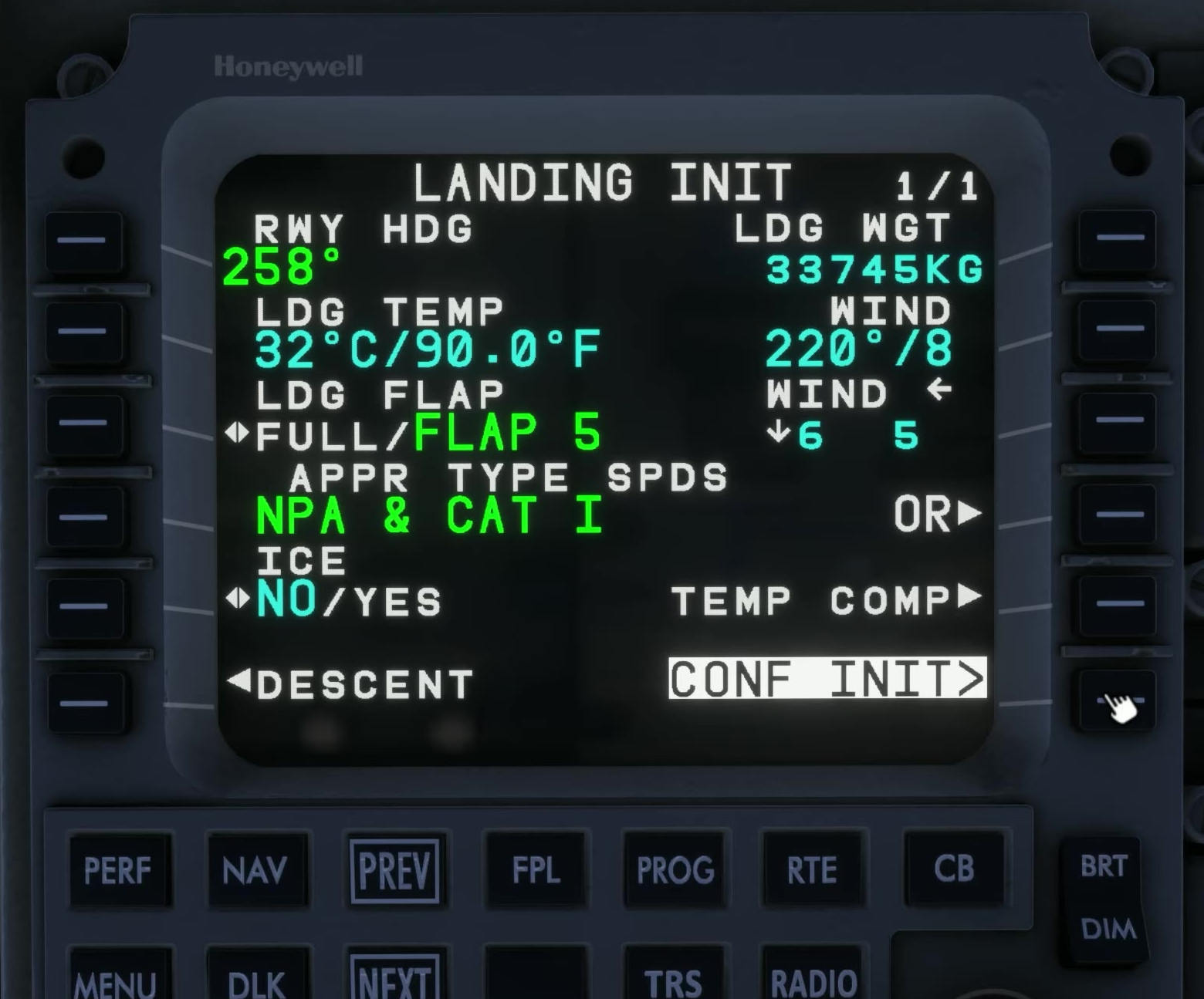
Enter destination temperature
Cold destination / chart [160]
Use a suitable simulated destination and approach in cold conditions with current chart information.
Enter the destination temperature and open TEMP COMP when its prerequisites are met.
APPLY before ACTIVATE
Review the compensated altitudes on TEMP COMP, select APPLY, then inspect the MOD flight plan before ACTIVATE.
FSS describes APPLY and activation as separate steps; the active constraints change only after confirmation.
Configuration and distance
If the prompt is absent, check configuration, approach activation, temperature and distance from destination.