Review a route modification
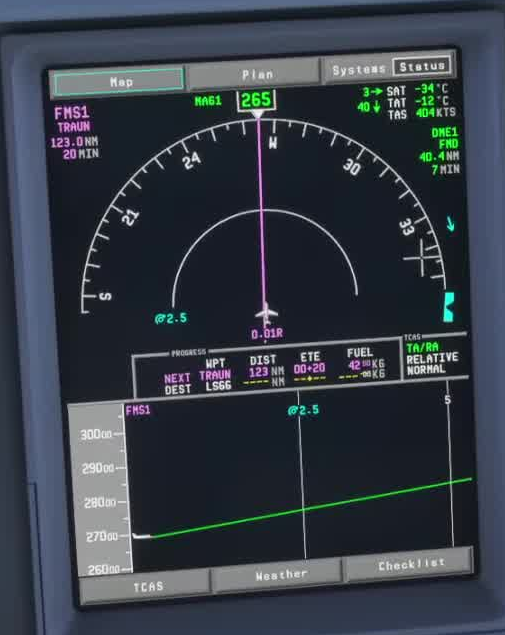
A direct-to creates a path from your present position to the selected fix. It can bypass planned legs and constraints. Check that the new path matches the clearance, and read the lateral FMA after activating the change.
Stabilise the aircraft
Before looking down, check attitude, altitude, speed, terrain and the active lateral mode. Use a selected mode if you need time to work.
Find the fix
Press FPL and use PREV or NEXT. Identify the intended fix by its full name and position in the route.
Create the proposal
With an empty scratchpad, press the left line-select key beside the desired fix. The FSS page describes this as DIR TO.
Inspect the MOD
Check the proposed track, turn direction, skipped legs and remaining restrictions against your clearance and the map.
Activate the MOD
Select ACTIVATE only after the proposal is correct. If you use CANCEL, it discards the pending MOD plan; rebuild any edits still needed.
Active route and mode
Confirm the active waypoint and lateral FMA. A changed flight plan and active LNAV are two separate facts.
Do not force the plan active to make a warning disappear. Maintain a known path and review the clearance, waypoint and mode. [20]