MFD / FLIGHT CONTROLS
Flight-control synoptic checks
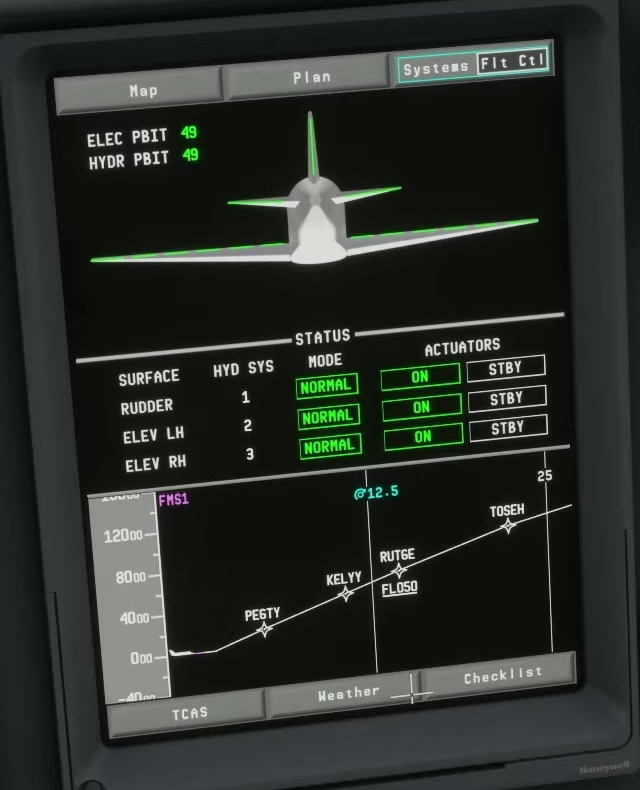
Electrical and hydraulic state
Perform the check with the aircraft secured and hydraulic/electrical conditions appropriate to the procedure.
Open FLTCTRL
Select the flight-control synoptic and identify the surface-position indications.
Move one axis
Apply a controlled pitch input and check the expected response on the display. Return the control to neutral.
Check roll and yaw
Repeat for the other axes, observing the actual indications and any status messages.
Check trim
Compare trim movement and the EICAS readout. Look for duplicate hardware inputs if the indication moves unexpectedly.
Test completion
Return controls to the required state and complete the applicable checklist. [209]