Practice flight setup
Choose an aircraft
Choose an E170, E175, E190 or E195. Use performance data and equipment settings for that variant.
Choose the route
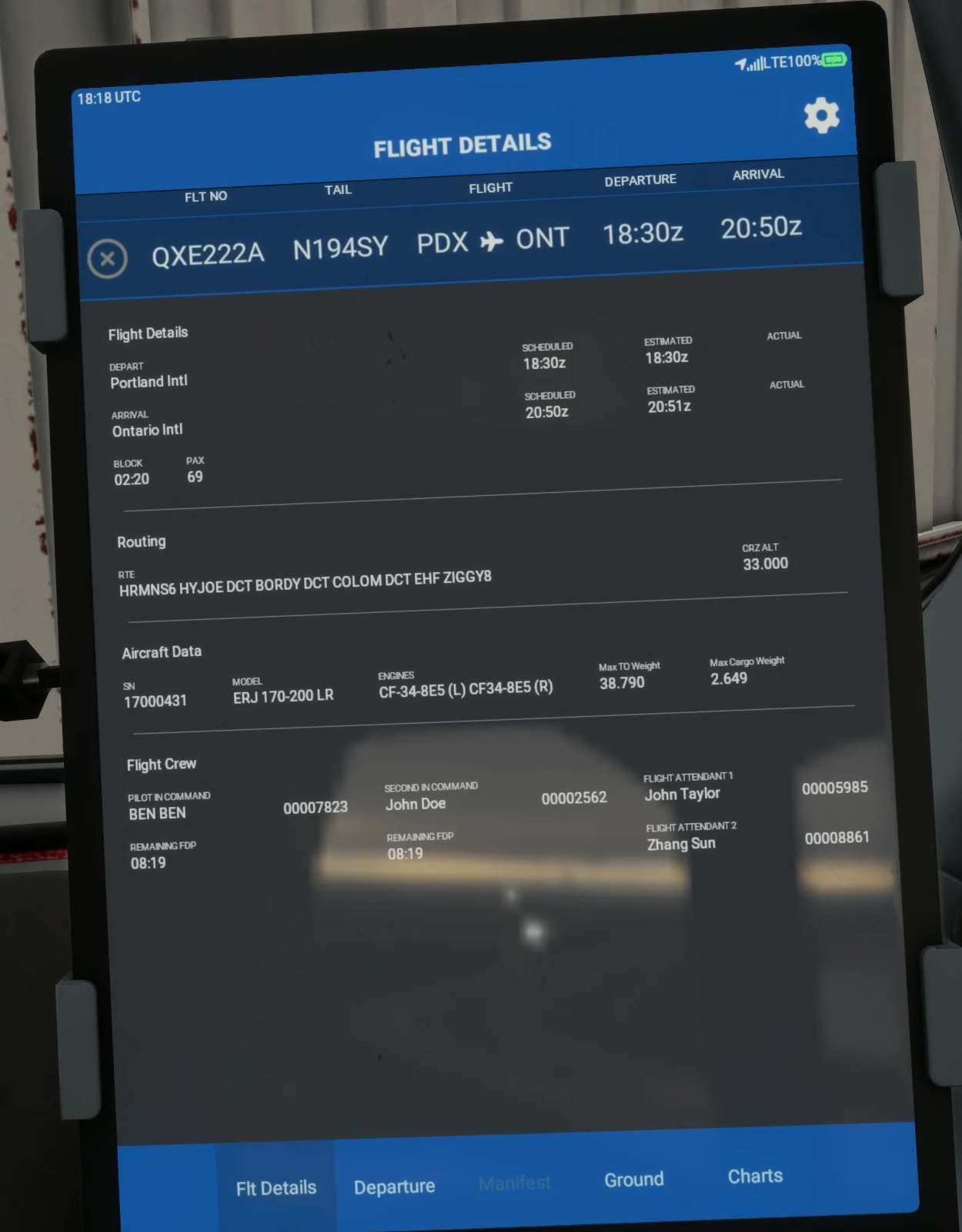
Choose a short route with current departure, arrival and approach charts. FSS uses London City to Amsterdam as an example.
Choose conditions
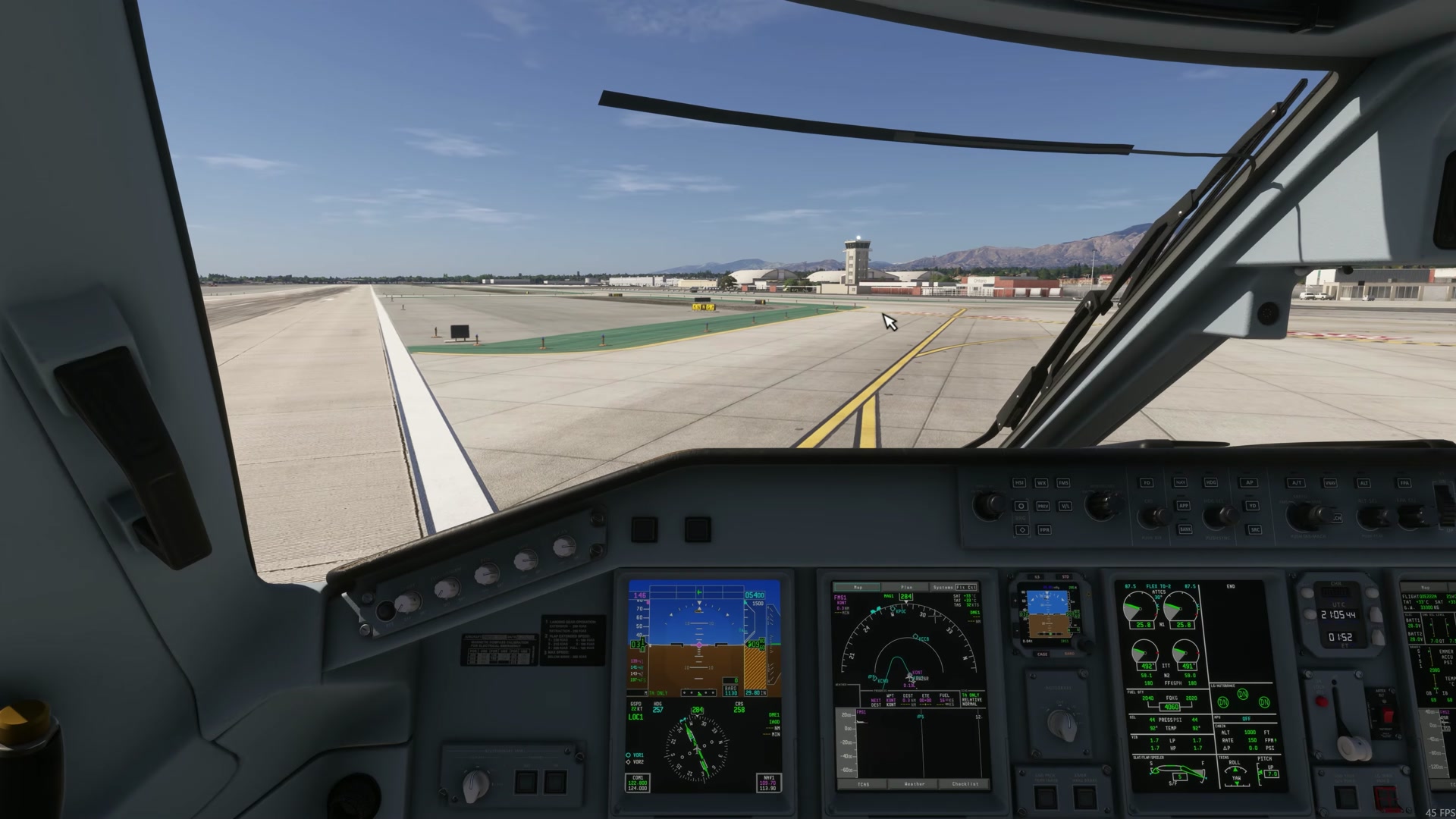
Start in daylight with manageable wind and visibility. Choose an airport and runway suitable for the aircraft and the planned conditions.
Prepare the flight plan
Create a SimBrief plan for the selected variant. Note the route, cruise altitude, fuel, payload and planned runway.
Prepare controls
Check axes and trim for duplicates.
Use the E-Jet profile.
Select your E-Jet control profile. Check for duplicate throttle and trim assignments.
Record the setup
Note the aircraft version, airport, weather, control profile and starting state. This makes it easier to repeat the flight or diagnose a problem. [9]