PRACTICE LAB / ELECTRICAL
AC GPU: AVAIL and IN USE
Select the GPU
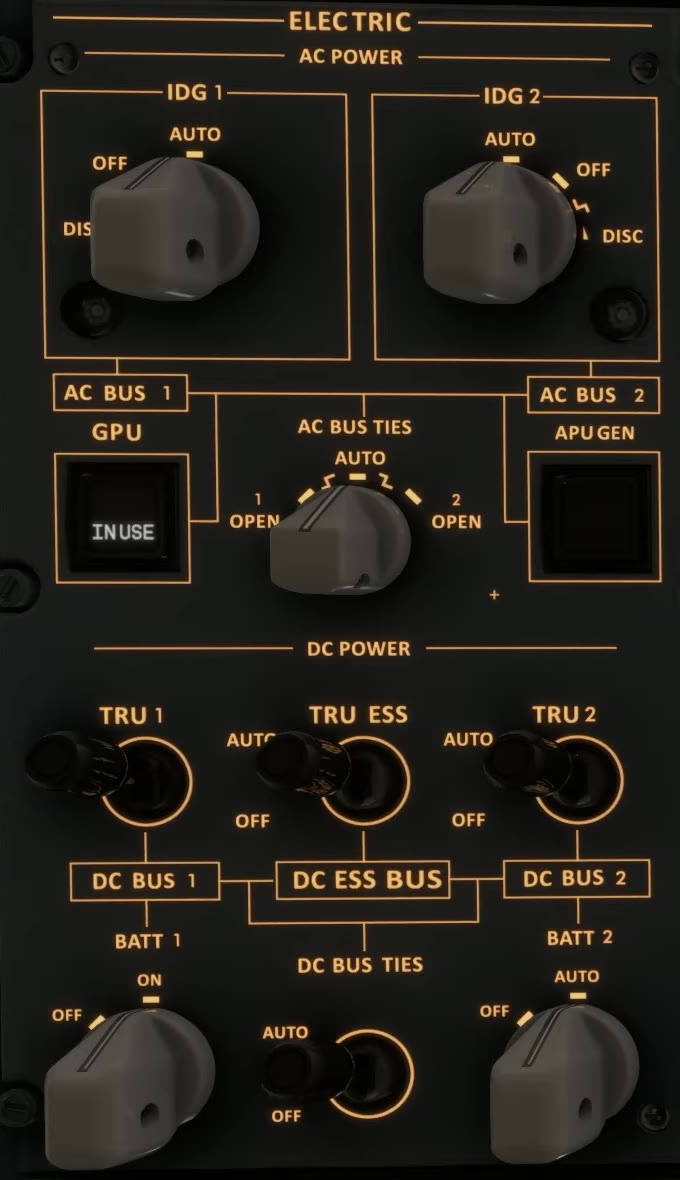
Park with batteries configured, a connected AC ground unit and the electrical synoptic visible. [56]
Check the GPU availability indication; then select the unit using the overhead control.
Bus supply
Observe the GPU pushbutton indication and the source and bus lines before and after selection.
FSS describes AVAIL on the AC GPU pushbutton as an available source and IN USE as the unit powering the aircraft.
GPU state
Check the EFB connection, AC GPU control, existing source priority and CAS before changing additional switches.