PRACTICE LAB / LATERAL
Heading selection and HDG
Select HDG
Synchronise the heading bug if appropriate, then select a small new heading and HDG mode.
In level flight away from terrain, note the present heading, selected heading and lateral FMA.
HDG mode
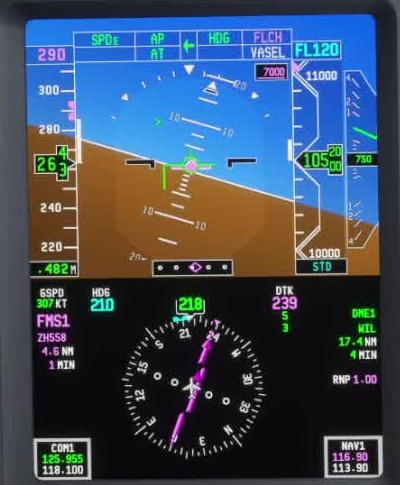
Confirm the FMA and watch the turn and the heading indication.
FSS describes HDG as guidance to the selected heading; moving the bug alone is not the same as confirming HDG active.
Heading inputs
Check that the correct side and mode are selected and that the autopilot or pilot is following the flight director.