Flight-plan sharing between MCDUs
The two MCDUs give each side an independent screen and scratchpad, but FSS says they share a flight plan. A route edit made on one side can therefore affect both pilots.
FSS says each MCDU has its own brightness and onside GPS, IRS and ADS sources. Each side can also view the active or modified plan independently. Check the page title before treating a displayed modification as the active route.
Set up the displays
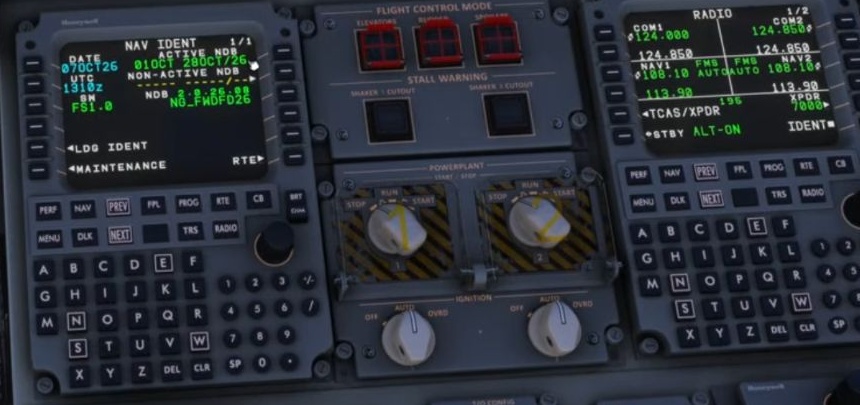
Adjust brightness and open the page needed on each side. Separate screens can be useful for cross-checking different information.
Shared flight plan
A route or flight-plan modification is a change to the shared plan, even if the other screen is on another page.
Create a modification
An edit produces a MOD plan. The title helps distinguish the pending proposal from the active plan.
Inspect the proposal
Review the route and map. Check legs, restrictions and the effect on the intended path.
Activate or cancel
ACTIVATE makes the proposal active; CANCEL discards it. Verify the result on the active flight plan and map.
Plan source
FSS says the primary MCDU follows the selected autopilot source. Displaying a page on one side does not itself prove which guidance source is coupled. [19]