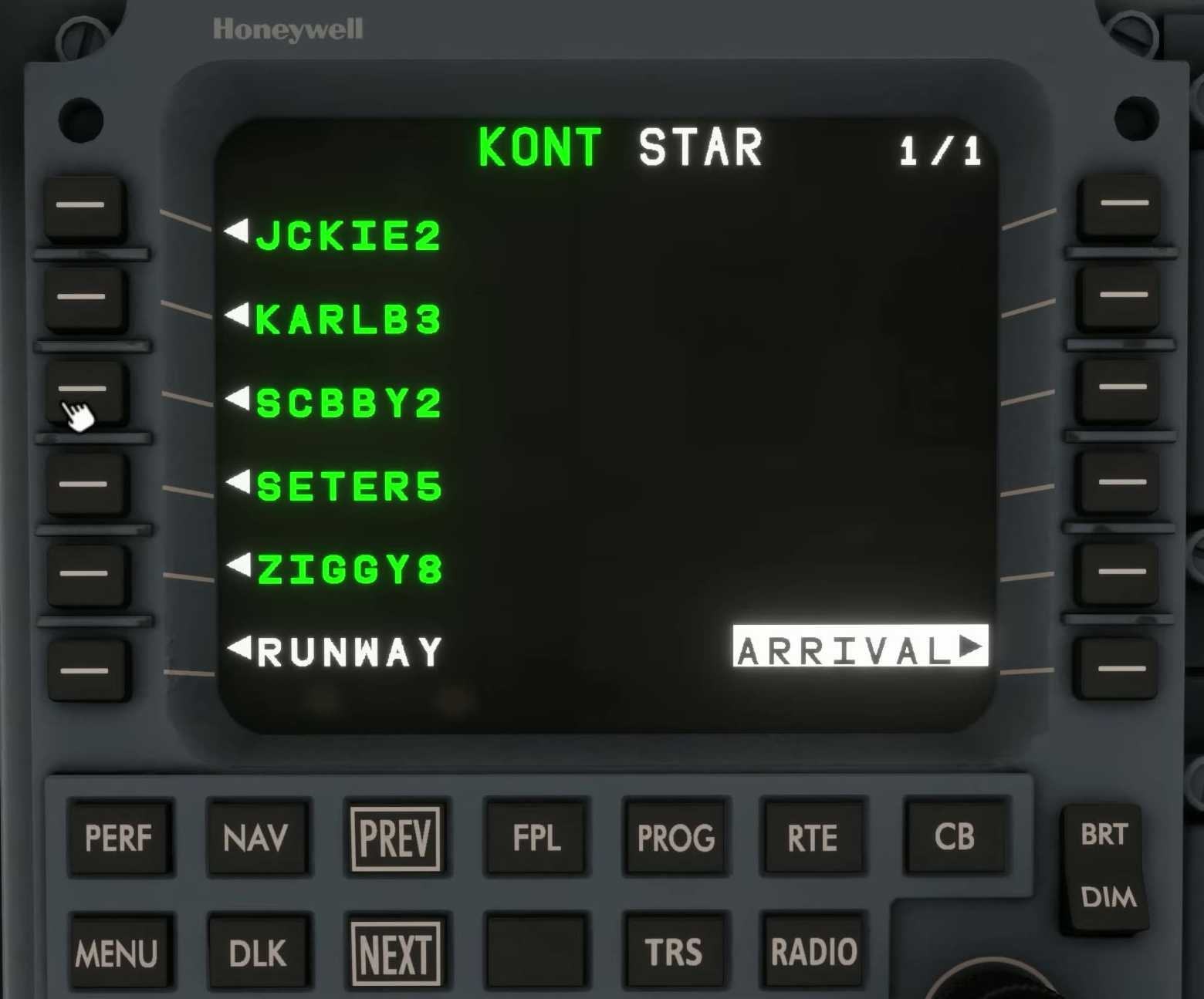
Arrival, approach and transition
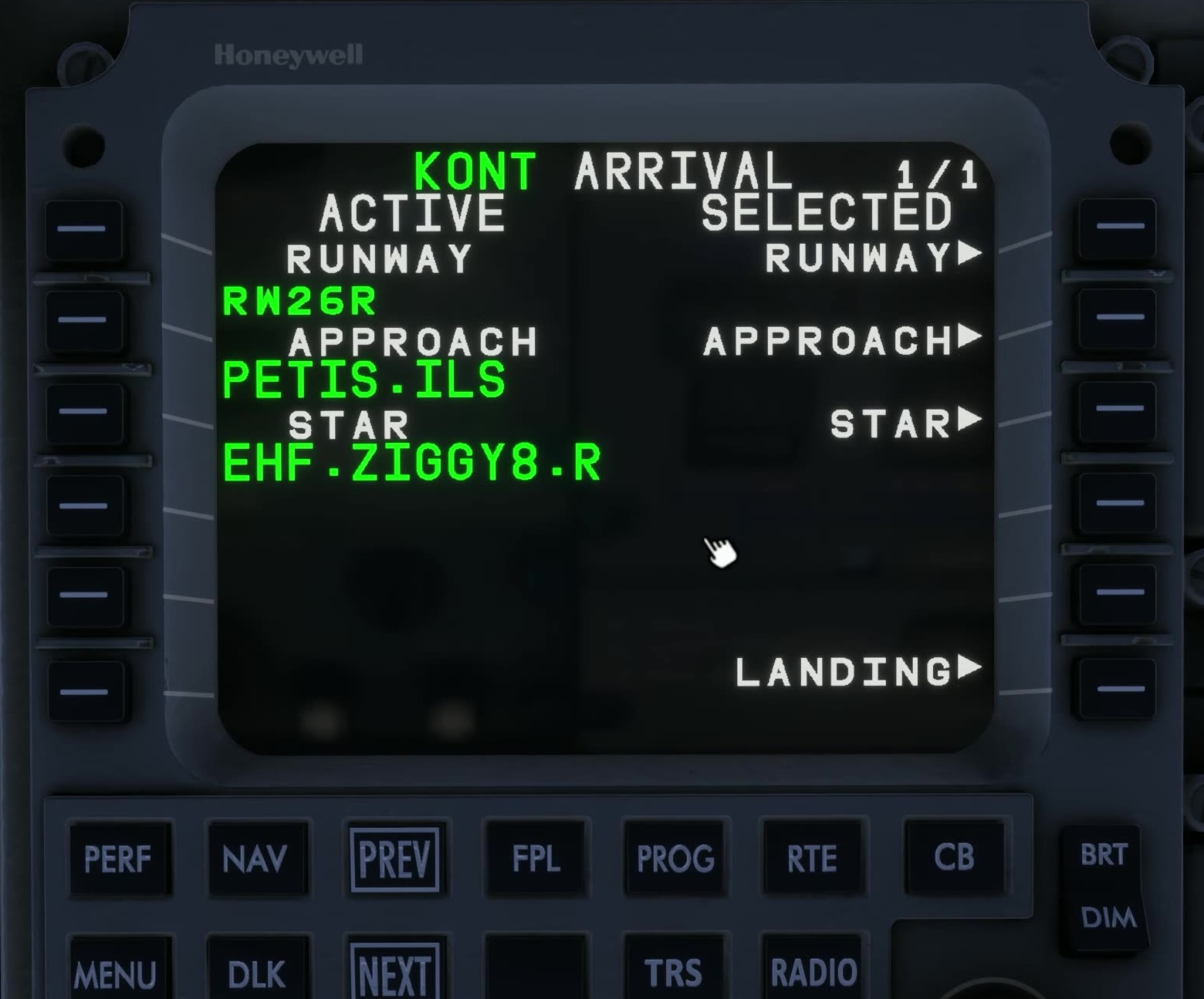
Review the destination
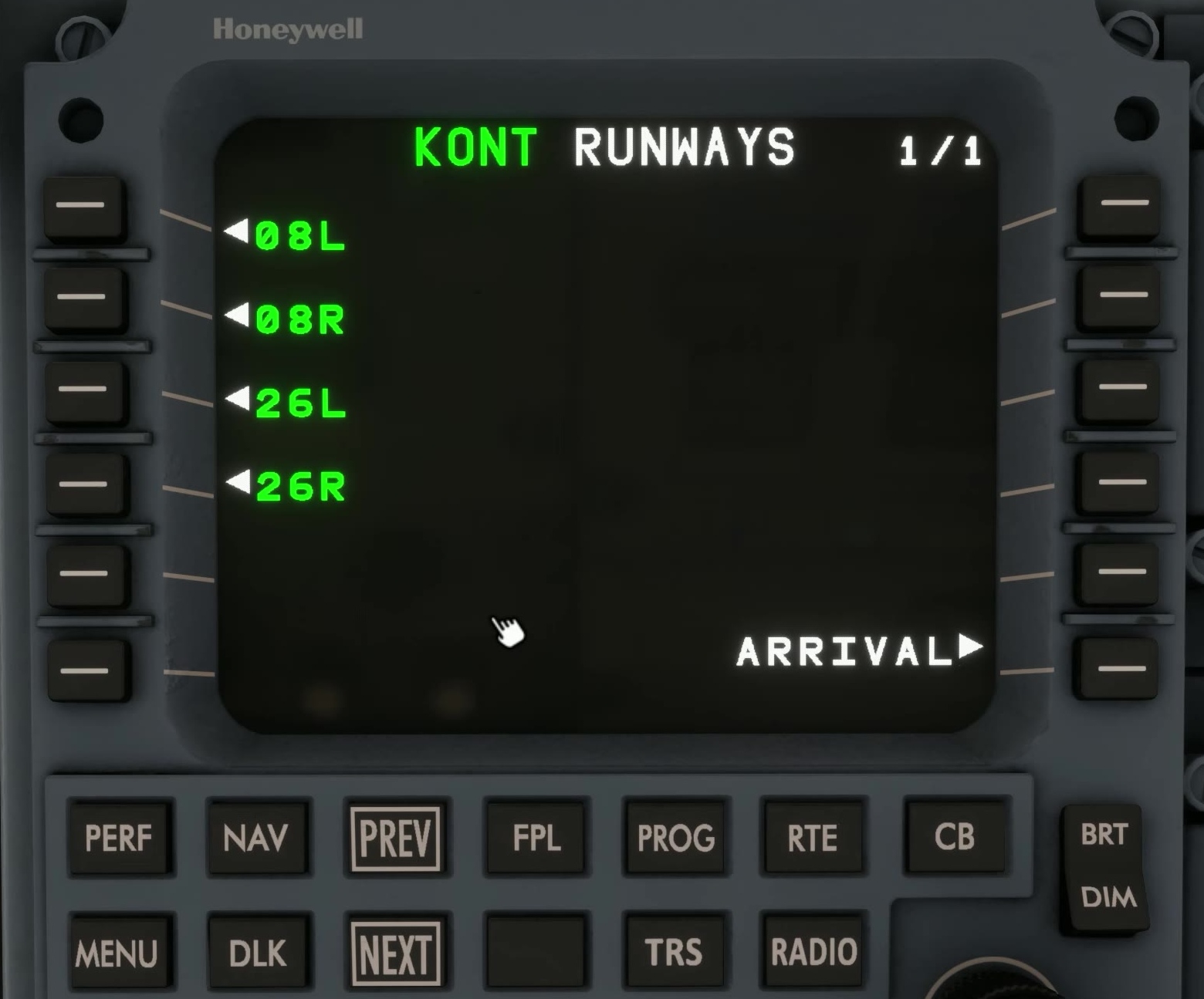
Confirm the intended airport, runway and expected approach using current weather and charts.
Open arrival
Select ARRIVAL from the route workflow.
Choose the approach
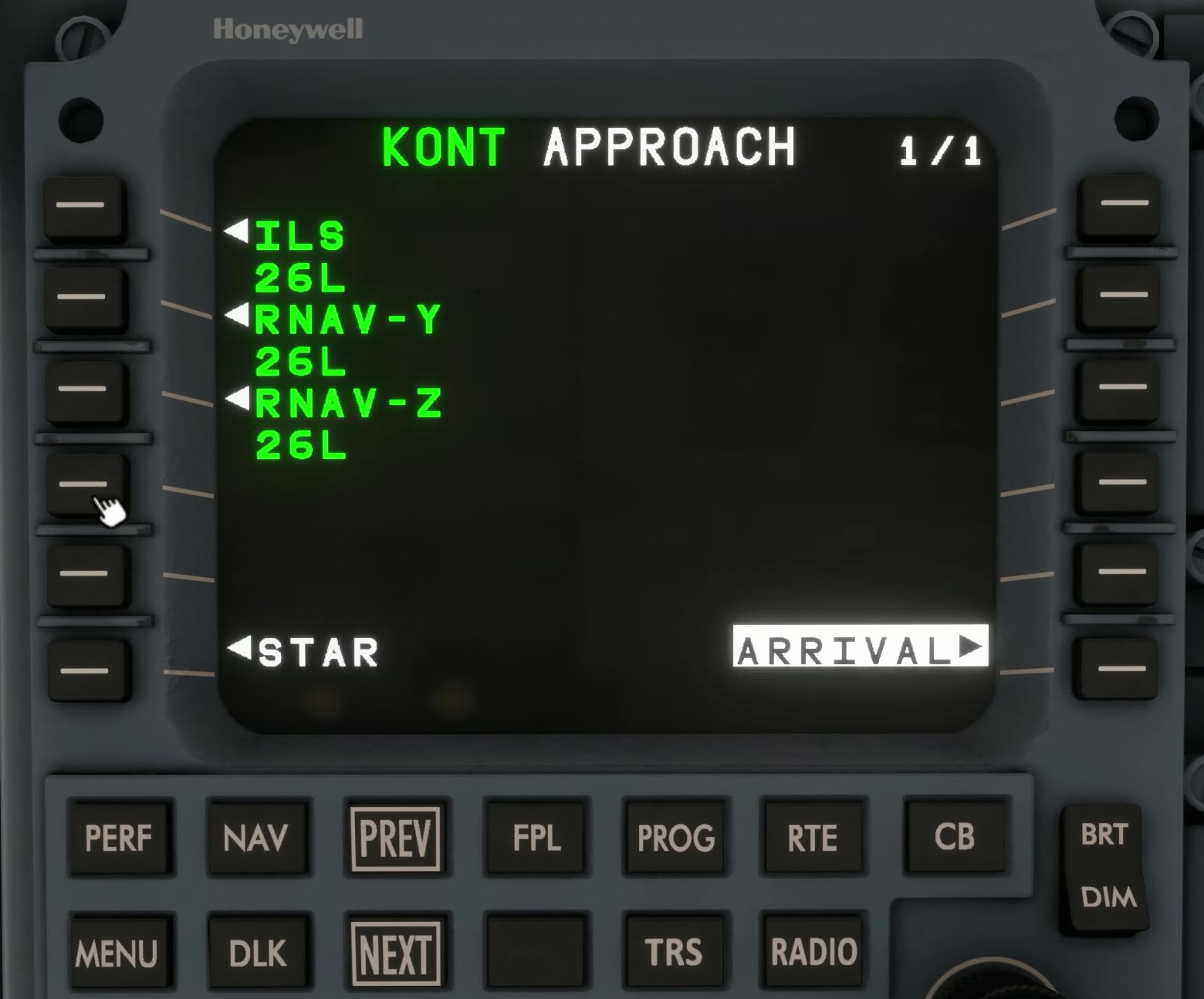
Select the runway and approach that match the expected operation. Check the approach type and minimums on the chart.
Choose the STAR and transitions
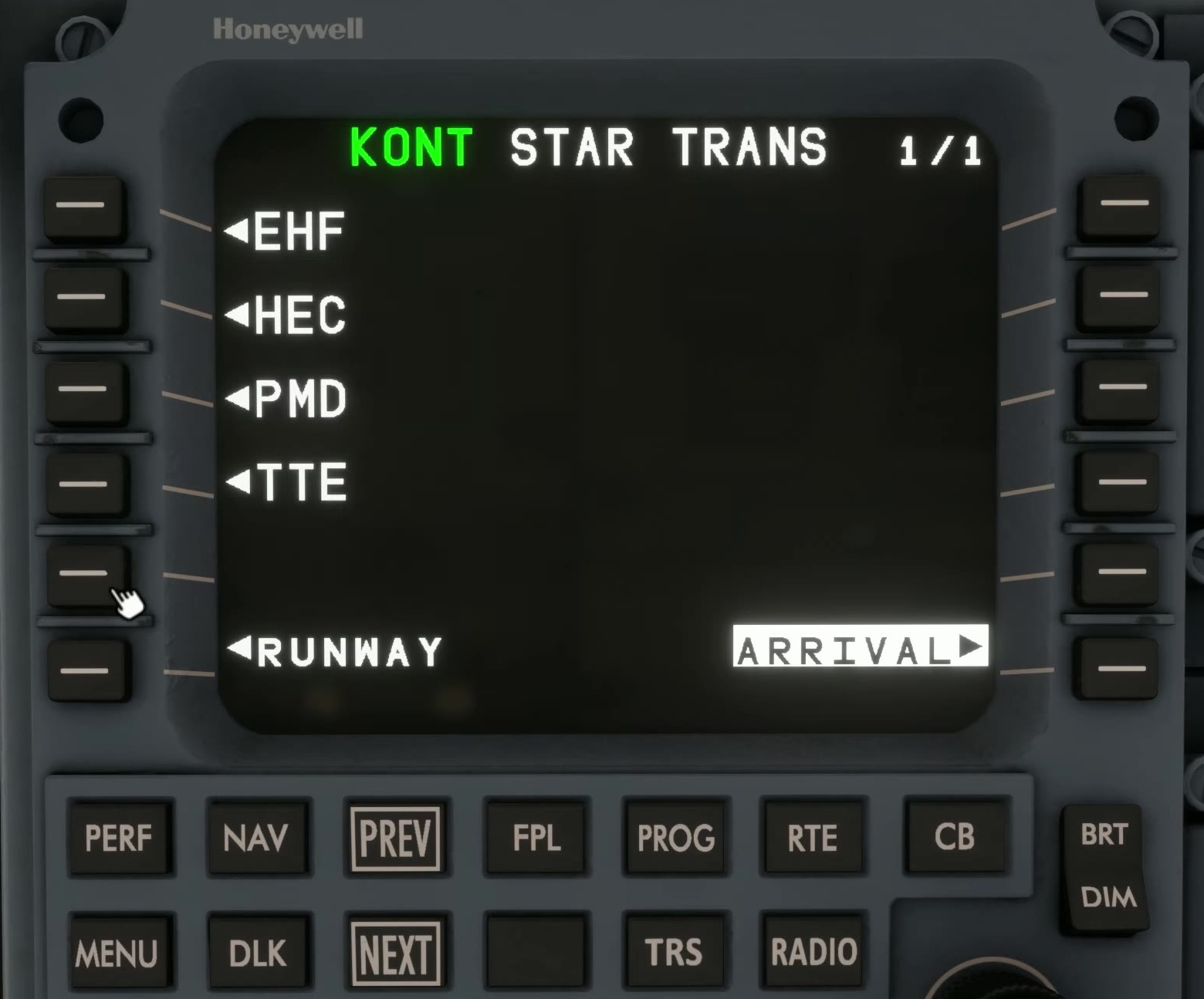
If a STAR is planned, select it. Add an approach transition and STAR transition where required by the procedure and clearance. Similar names can lead to different legs.
Apply the selection
Insert the arrival into the MOD plan. Check that the approach and missed-approach legs appear as expected.
Review arrival legs
Use PREV and NEXT to inspect every leg and restriction. Compare the map geometry with the chart and note any vectors or breaks.
Activate and brief
Activate the verified plan. Brief the navigation source, descent restrictions, approach setup and missed approach. [87]