PRACTICE LAB / MCDU
Enter and review a hold
Enter the hold
Charted holding fix [84]
Choose a published holding fix and copy its inbound course, turn direction and leg definition.
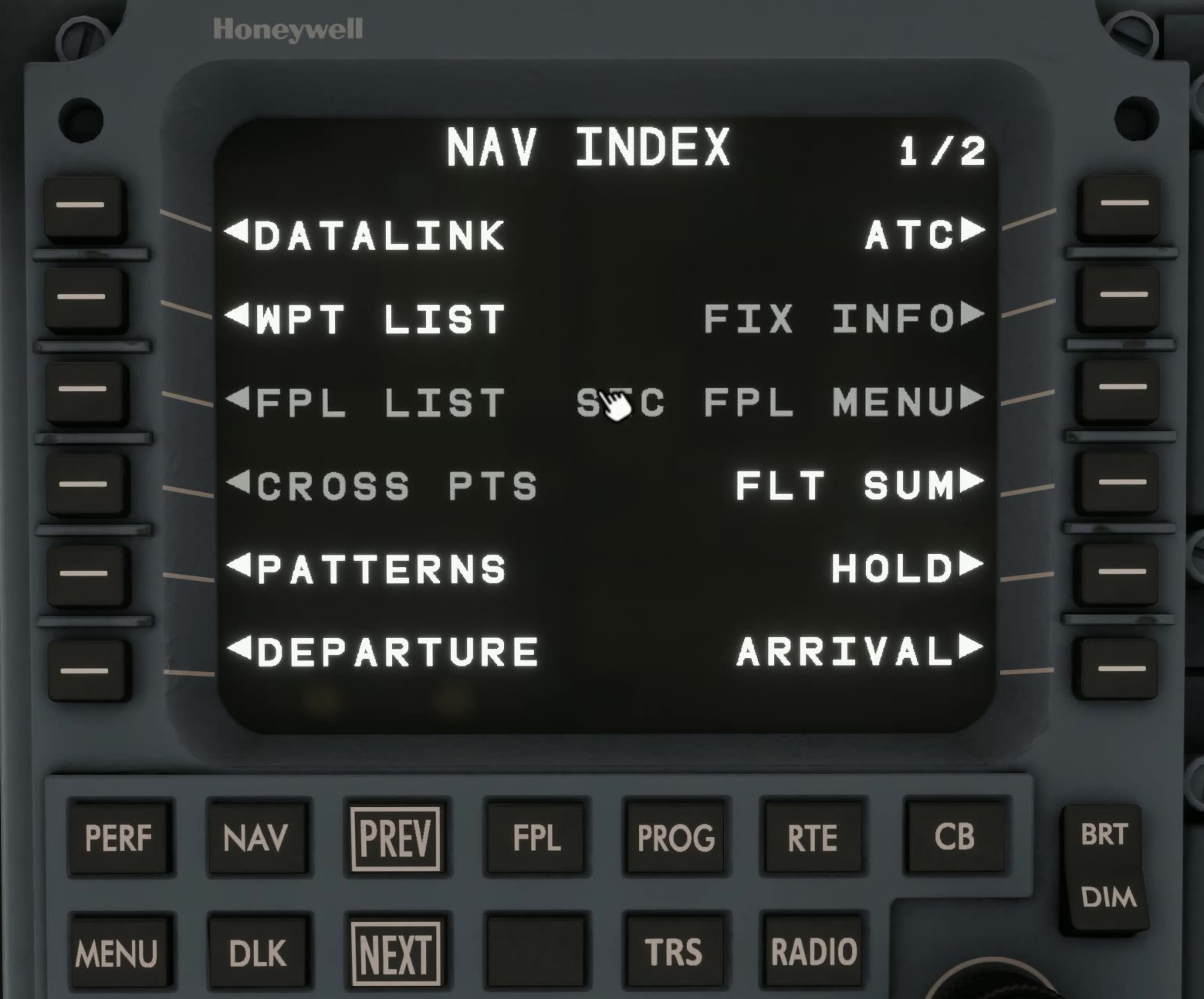
Press NAV, open PATTERNS and select HOLD. Apply the HOLD scratchpad entry to the fix with its left F-PLN line-select key. Review the fix, holding speed, inbound course, turn direction, leg time or distance and EFC as applicable. Select INSERT/APPLY.
Pattern and map
Compare the proposed pattern and map geometry with the chart before activating the MOD.
INSERT/APPLY adds the hold to the proposal; ACTIVATE makes the reviewed modification active.
Fix and leg details
Fix / turn / leg
If the fix, turn or leg length is wrong, correct the proposal before activation. CANCEL discards all pending MOD edits.