Check actual configuration
Flap selection
Check speed and phase. FSS lists flaps 1, 2 and 4 for takeoff, and 5 or FULL for landing. Positions 4 and 5 have the same surface angles but different logic; FSS prohibits landing with flap 4.
Move the lever
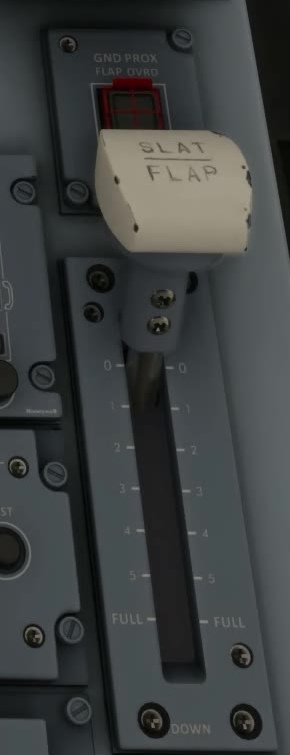
Select the required position using the cockpit control or mapped hardware.
Read the command
FSS describes cyan pointers as the commanded slat/flap position.
Read the actual surfaces
FSS uses green surface depictions for actual position and green dashes in the readout while the surfaces are in transit.
Surface transit
Before completing the configuration check, verify that commanded and actual indications agree and that no relevant CAS message remains.
If they do not agree
Maintain a suitable flight condition, note the indications and use the applicable simulator procedure. Do not assume that moving the lever again fixes the underlying problem. [126] [131]