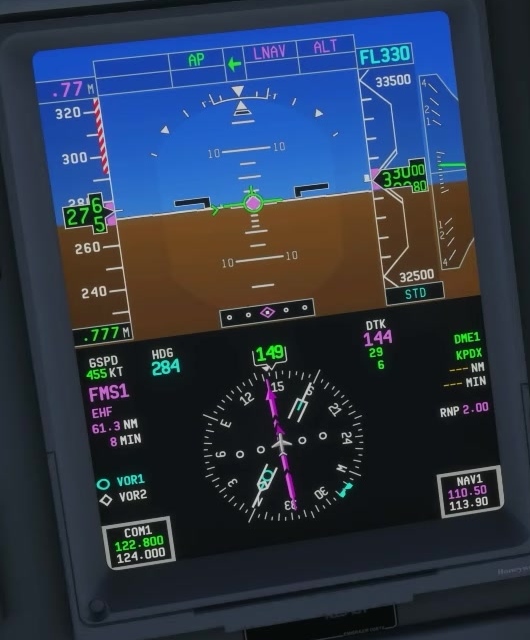
FMA modes during climb
Takeoff modes
Set the cleared initial altitude. Select the takeoff guidance and desired navigation setup as documented for your build. Read the armed and active indications.
Initial climb
Fly the flight director and verify positive climb before selecting gear up. Watch the lateral and vertical modes instead of assuming a mode engaged at a fixed point.
LNAV and VNAV capture
FSS documents armed LNAV engagement after passing 200 ft in climb but does not state the height reference in that passage. Its VNAV page describes capture above the departure VNAV capture altitude, default 800 ft AFE. These are separate events.
Autopilot engagement
Once stable, engage the autopilot and verify its indication. FSS lists a 400 ft minimum engagement height without stating the height reference in that limitations entry; check the applicable aircraft guidance.
Altitude capture
Monitor the selected altitude and any FMS restriction. The vertical FMA changes as the aircraft captures and holds an altitude.
In selected FLCH, pitch controls selected speed while thrust affects the climb or descent. FSS distinguishes green selected FLCH from magenta FMS FLCH. [37, 38, 10]