Taxi and takeoff configuration
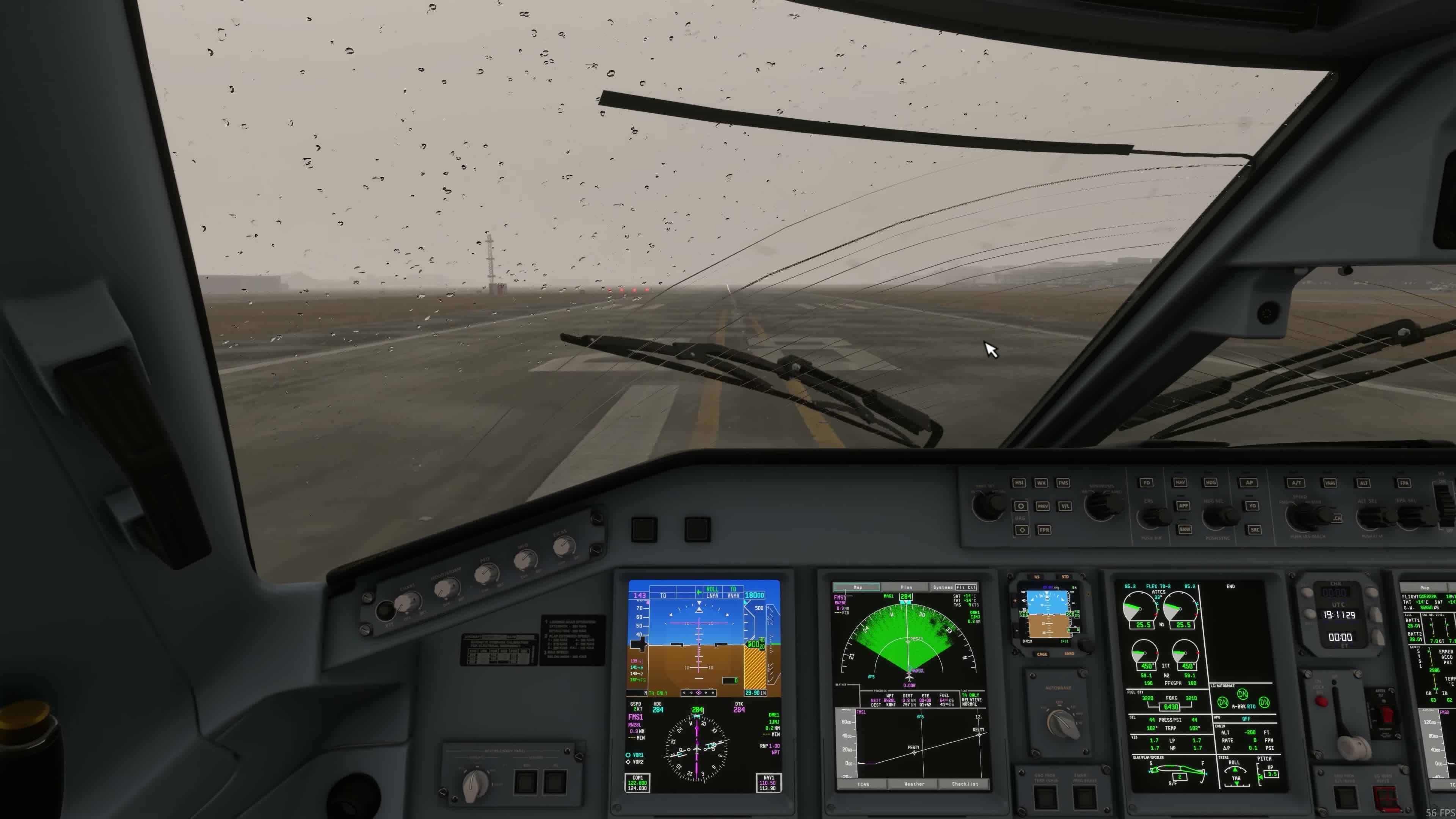
Brakes and steering
At an appropriate safe speed, check braking and steering.
After movement begins, check the brakes and steering at a safe speed. FSS says steering needs nose weight-on-wheels and hydraulic system 1 pressure, with system 3 as backup. With the EFB tiller-axis option OFF, use the pedals for taxi steering. With it ON, bind a separate tiller axis; the pedals have reduced steering authority.
Engine warm-up
FSS calls for at least two minutes at or near idle before selecting high thrust. Taxi time at or near idle counts toward this period. The real-aircraft SOPM and Azul E190/195 manual describe the same warm-up period [L01, PDF p. 165; L03, PDF p. 59].
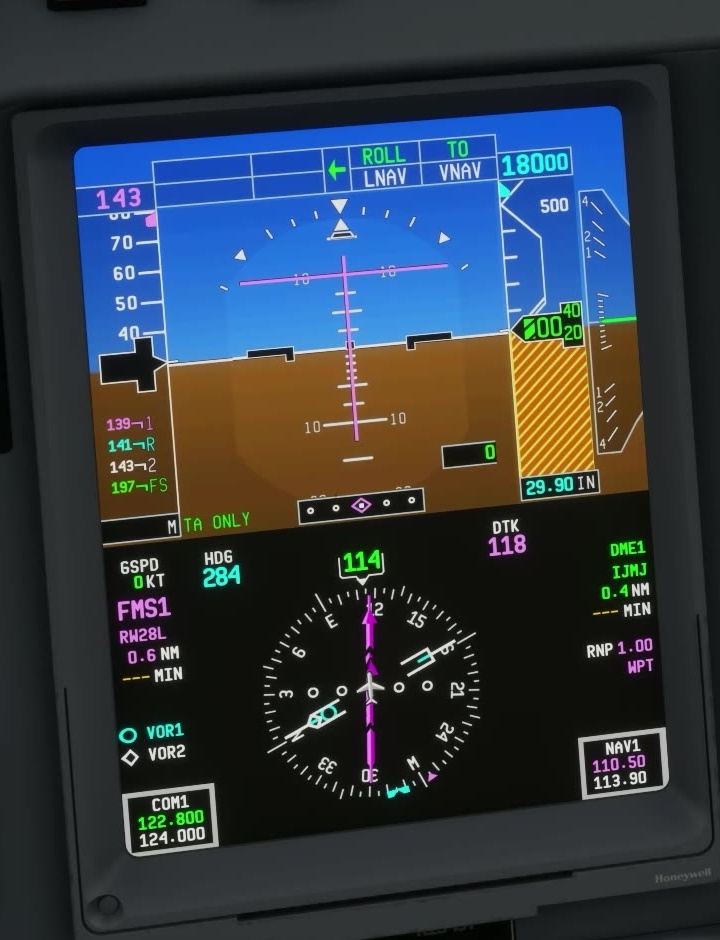
T/O CONFIG test
Hold T/O CONFIG for three seconds. FSS lists parking brake OFF, trim within the green band, matching flap selection and stowed spoilers as test conditions.
T/O CONFIG does not check engine operation. Read the engine indications separately; use the calculated takeoff trim, not just the green-band check.
A 9 November support report described T/O CONFIG messages appearing after GSX boarding without pressing the button. The cause was not established [207].
FSS lists taxi speeds of 30 kt straight and 10 kt in turns on a dry surface, and 10 kt straight and 5 kt in turns on a wet surface. The supplied SOPM recommends the same figures for these conditions [L01, PDF p. 171]. Reduce speed further when the conditions require it. FSS procedure guide [9]. [31] [180]