PRACTICE LAB / STANDBY
Baro setting on the IESS
Set IESS baro
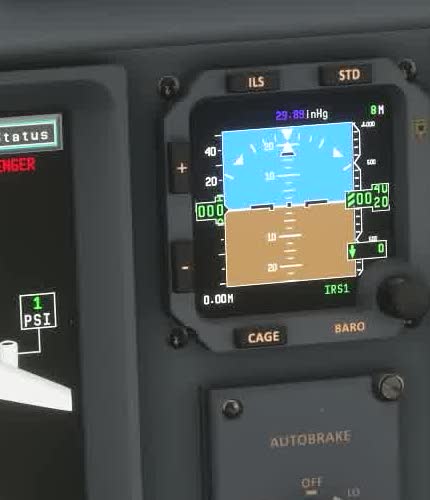
On the ground, compare the PFD altimeter settings with the standby instrument. [214]
Adjust the standby barometric setting to the appropriate local reference.
Separate baro control
Check the IESS pressure indication and compare its altitude with the primary displays and airport elevation.
FSS describes a separate IESS barometric control and standard-pressure function.
Pressure units
Check units, current pressure and display validity before attributing a discrepancy to the aircraft model.