IESS operation
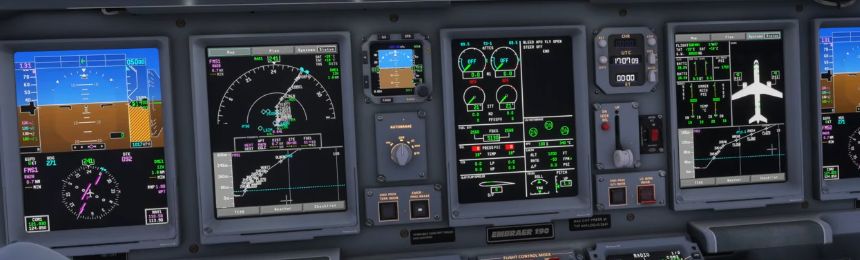
Find the IESS
Identify the integrated standby display and make sure it is powered and readable. FSS says alignment takes about 90 seconds; allow it to finish before comparing the indications.
Check attitude
Compare the standby attitude indication with the primary displays and the aircraft’s actual state.
Check speed and altitude
Compare standby values with the primary displays, allowing for the relevant source and pressure setting.
Set barometric pressure
Use the IESS BARO knob to set its pressure reference and check the value on the standby display. For standard pressure, use its STD button. Compare the standby setting with the reference used on the primary displays.
Check approach display if needed
FSS describes an ILS button for ILS 1 deviations. Check whether the button and deviation information are available in your installed build.
CAGE not simulated
FSS explicitly says CAGE is not simulated. Do not apply the real-aircraft cage procedure to this add-on.
The standby airspeed digits show calibrated airspeed. FSS also lists an IESS refresh-rate limit under EFB Aircraft → Display Refresh Rate. FSS IESS [214].