Landing and shutdown
Landing stability
Check the path, speed, thrust, landing configuration and required references. If the approach cannot continue safely, go around.
Land
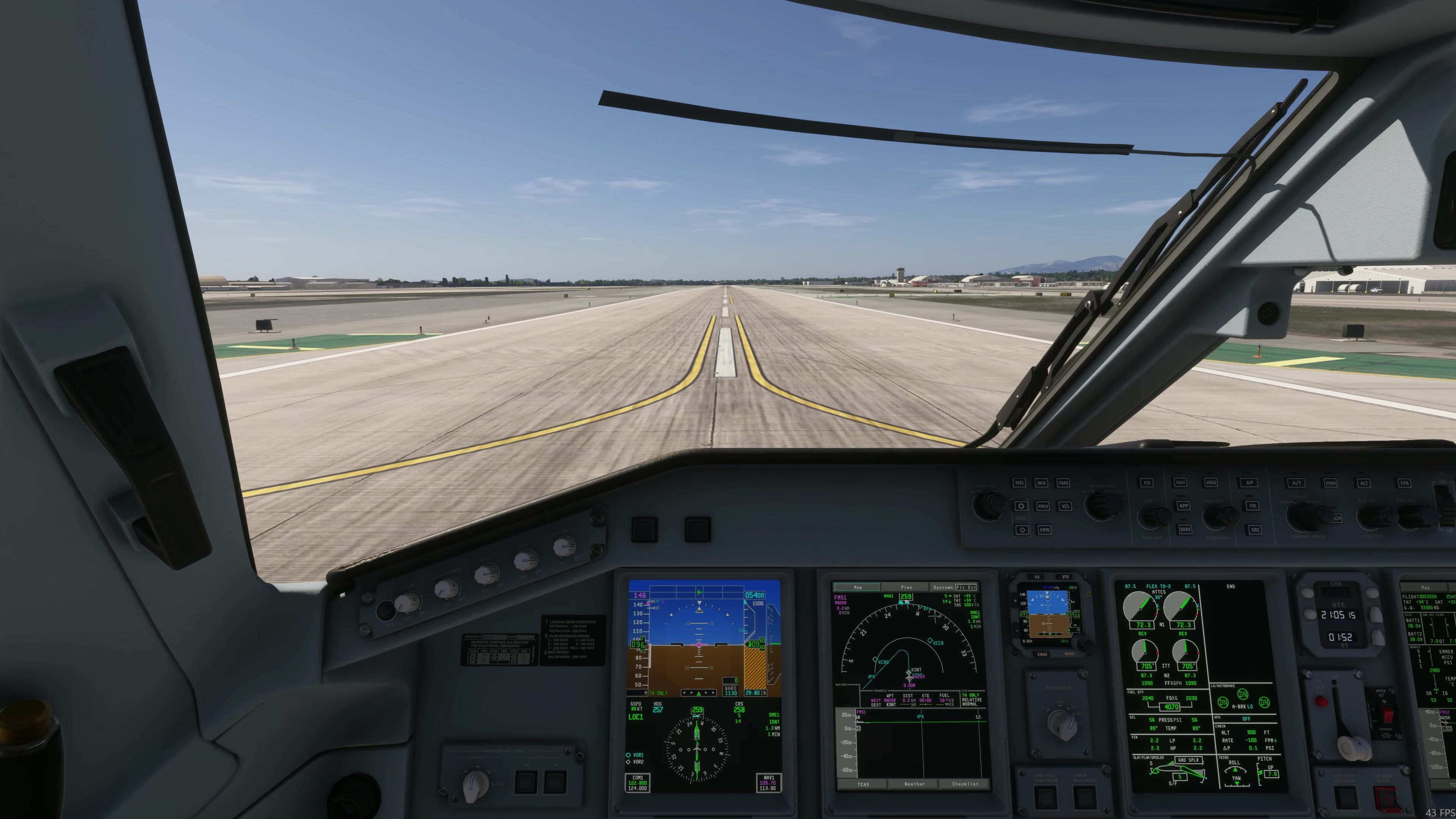
Control the flare and touchdown while monitoring alignment and speed. FSS offers an example landing technique; its exact timing and indications depend on the conditions.
Deceleration
Maintain directional control, verify the ground spoilers and use braking as appropriate. In the FSS landing example, select reverse after nosewheel touchdown, reduce to reverse idle at 80 kt and stow reverse at 60 kt. FSS lists no go-around after reverser deployment.
Runway exit
Clear the runway before starting the after-landing flow. Set the lights as needed, retract the flaps and start the APU when required. The FSS checklist gives 4 UP and centred trim without naming a variant. The supplied Azul E190/E195 cards specify 2 UP [L08, PDF p. 1 of each card]; an operator-specific value does not establish how FSS implements each variant. Set the calculated takeoff trim separately for the next departure.
Prepare the stand
Start or connect the required replacement electrical source. Check that it is available and supplying the required buses before shutting down the engines.
Shut down
At the stand, secure the aircraft with chocks and brakes. Check the replacement power source, stop the engines, switch the transponder OFF and set hydraulic pump 3A OFF. Complete the FSS shutdown checklist. If shutting down the APU to leave the aircraft dark, FSS says to wait for APU OFF and APU FUEL SOV CLSD before turning the batteries off.
Flight record
Record build and observations.
Change one variable next time.
Record the exact build and any unexpected FMA, hardware or system behaviour. Change one variable at a time in the next practice flight. [116]
For the real aircraft, the supplied SOPM calls for at least two minutes of engine operation after selecting idle before engine shutdown, to allow thermal stabilisation [L01, PDF p. 178]. Taxi-in time after idle is selected can contribute to this period. Check the applicable procedure for your simulated flight. [10] [94]