PRACTICE FLIGHT / 06
PERF INIT data
Open PERF INIT
From PERF, select the initialisation page. If requesting SimBrief performance data, remember that the OFP can differ from the actual EFB load.
Compare the weights
Use the final loadsheet to check ZFW, fuel, takeoff CG and gross weight. Ensure the EFB and MCDU units are consistent.
Enter cruise data
Set the planned cruise altitude and check the applicable reserve, wind and schedule fields.
Review all pages
Use NEXT through PERF INIT 1/3, 2/3 and 3/3. Correct missing or inconsistent entries.
Confirm initialisation
Press CONFIRM INIT when it appears on page 3/3. The current FSS PERF page says the FMS does not calculate the vertical profile until this is done.
Check predictions
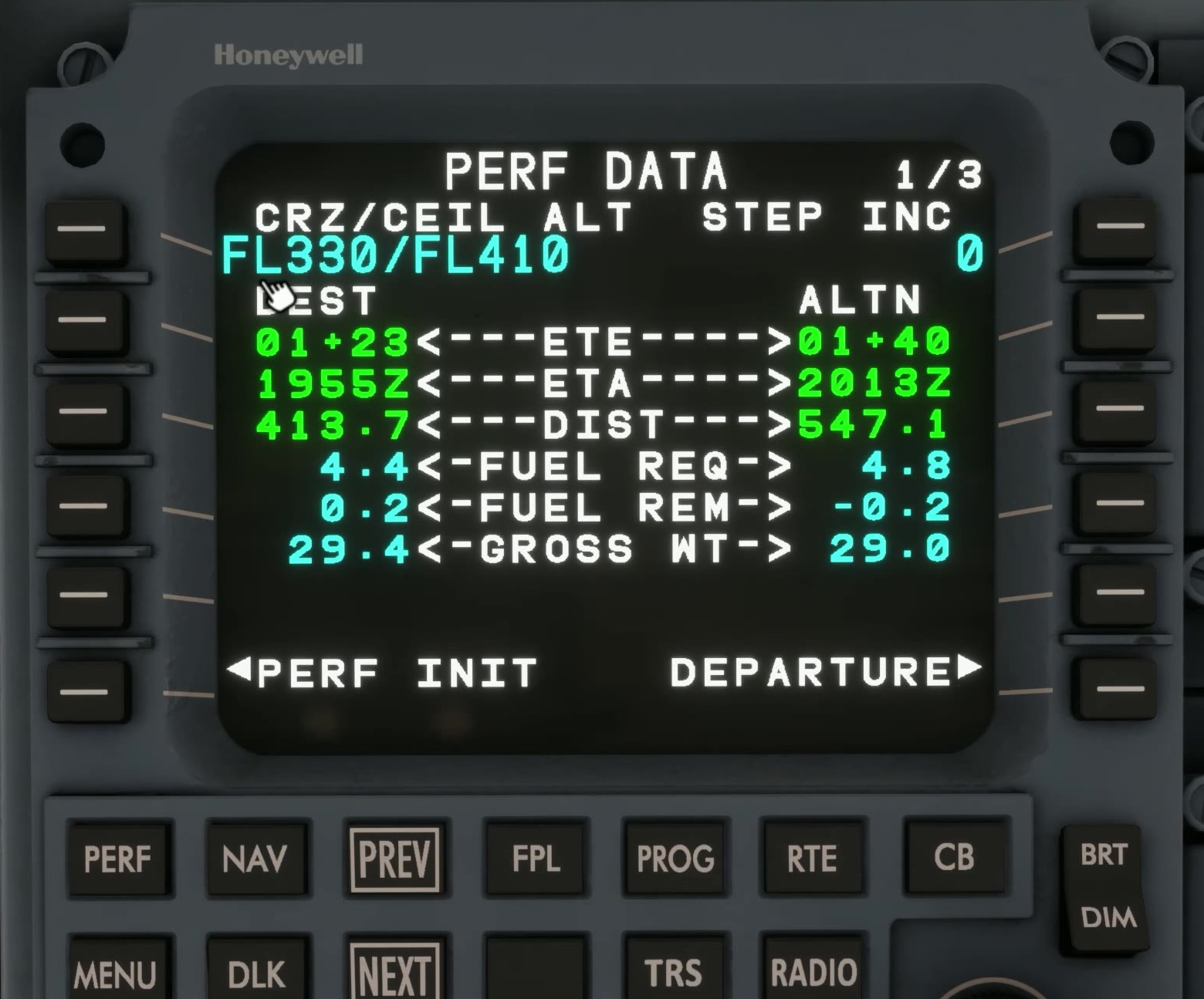
Review PERF DATA and the top-of-climb and top-of-descent information. After a PERF INIT change, FSS says to confirm again before the profile is recalculated. [24]