Turnaround setup
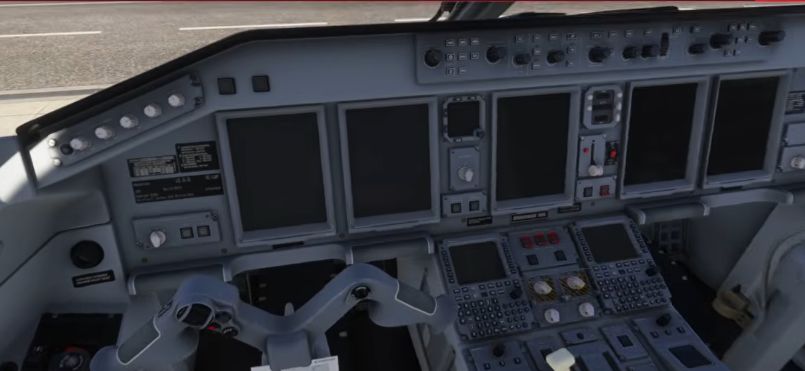
Load cold and dark
Select the intended aircraft, airport and stand. Check the EFB aircraft setting if the aircraft instead appears in turnaround mode.
Secure the aircraft
Make sure the aircraft is secured using the parking brake and appropriate ground equipment. Check the environment before operating controls.
Thrust levers
FSS’s safety-and-power-up checklist identifies thrust at idle, start/stop selectors at STOP, speedbrake closed and the gear lever down as initial checks.
Check the switches
Inspect the battery, fuel-pump and hydraulic-pump positions against the current FSS safety-and-power-up checklist. Initial states are not necessarily the states used for engine start.
Check exterior equipment
Use the ground-service controls to identify chocks, GPU and any connected equipment. Confirm the aircraft is in a suitable state before requesting power.
Keep the official checklist available
CHECKLIST Verify the preparation flow against the current FSS checklist.
After the preparation flow, use the FSS checklist to verify the items. This tutorial explains the workflow and is not a substitute for a build-specific checklist. [116]