Landing-gear lever and position indications
Gear speed limit
Check the phase of flight and the applicable gear speed limitation for the selected variant and configuration.
Select the position
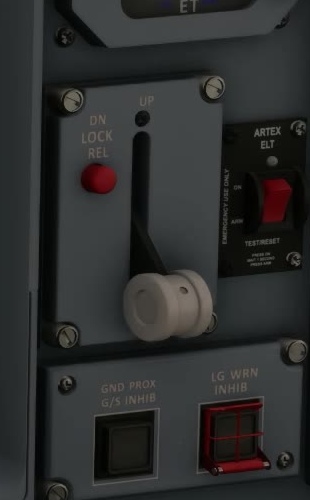
Move the landing gear lever as called for by the procedure.
Gear transit
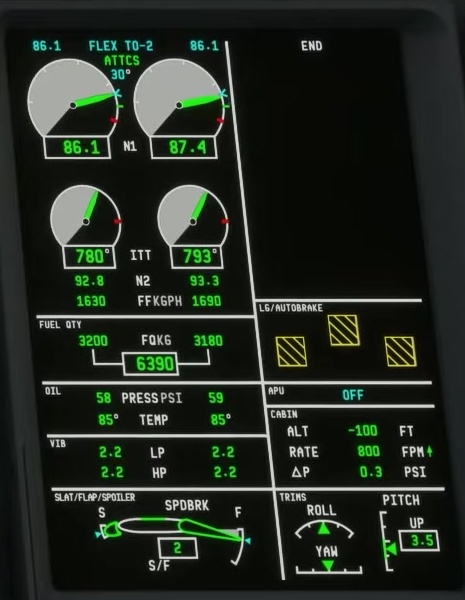
FSS describes an amber cross-hatched box while a gear is moving. Observe all three gear indications, not just the lever.
UP or DN indication
For landing, check each gear for green DN in a green circle: down and locked. After retraction, check for white UP in a white box: up and locked.
Investigate disagreement
Use the applicable procedure.
Verify build-specific simulation.
FSS says the gear indication changes from its previous colour to red 20 seconds after a discrepancy is detected. A red cross-hatched box means that gear remains in transit and is not locked in the commanded position; red DN/UP indications show a mismatch with the gear lever. Check all three indications and follow the applicable procedure.
Before landing
Cross-check gear, flap, speed, runway and landing configuration together. A selected lever alone does not establish a landing configuration. [119]